 OffTrail
Your crew knows where you are and what you need.
Build the race-day plan once. Everyone crewing for you sees the same stations, times and jobs on their own phone, and it keeps up as the day unfolds.
One plan for the whole day.
Aid stations from the course
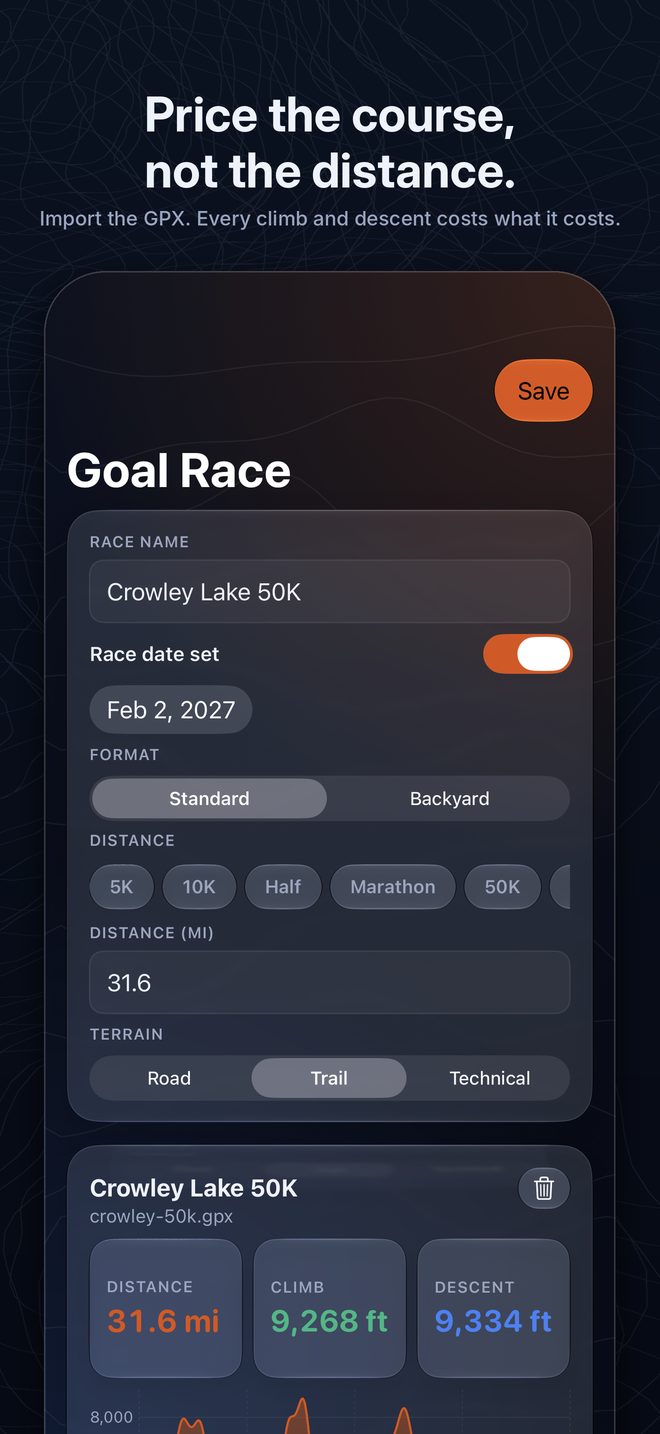
Import the race GPX and its waypoints become stations, placed at their distance. Crew access and drop bags are flagged from the names.
Two target times per station
Set an A goal and a B goal. Later miles get more time, because they take more: fatigue, night, longer stops.
What happens at each stop
Fuel to take, kit to swap, jobs for the crew, and what is in each drop bag.
Gear lists in groups
Mandatory gear first. Add your own groups, reorder them and tick items off.
Cutoff warnings
A station is flagged as soon as your expected arrival falls after its cutoff.
A code or a link
Send one invite. Reset it and old links stop working.
Free, with no training setup.
Install OffTrail, choose I'm crewing for a runner and enter the code.
Live arrival times
Tap Arrived and Left at a station. Every later ETA moves by how far ahead or behind plan the runner is.
Course map
The route, the stations and directions to each one. Paste a map link for the hard-to-find ones.
Location, if you choose
The runner and each crew member can share location for that race only. It starts two hours before the gun and stops at the finish.
Race chat
One group chat for the runner and the crew.
Crew phone numbers
Optional, with call and text buttons for everyone on that race.
Works without signal
Check-ins are saved on the phone and sent when it reconnects.
Building a race-day plan and inviting crew is part of OffTrail Pro. Joining a crew is free. See pricing.
Free on the App Store.
Download OffTrail Run, log your runs and build your first plan free.